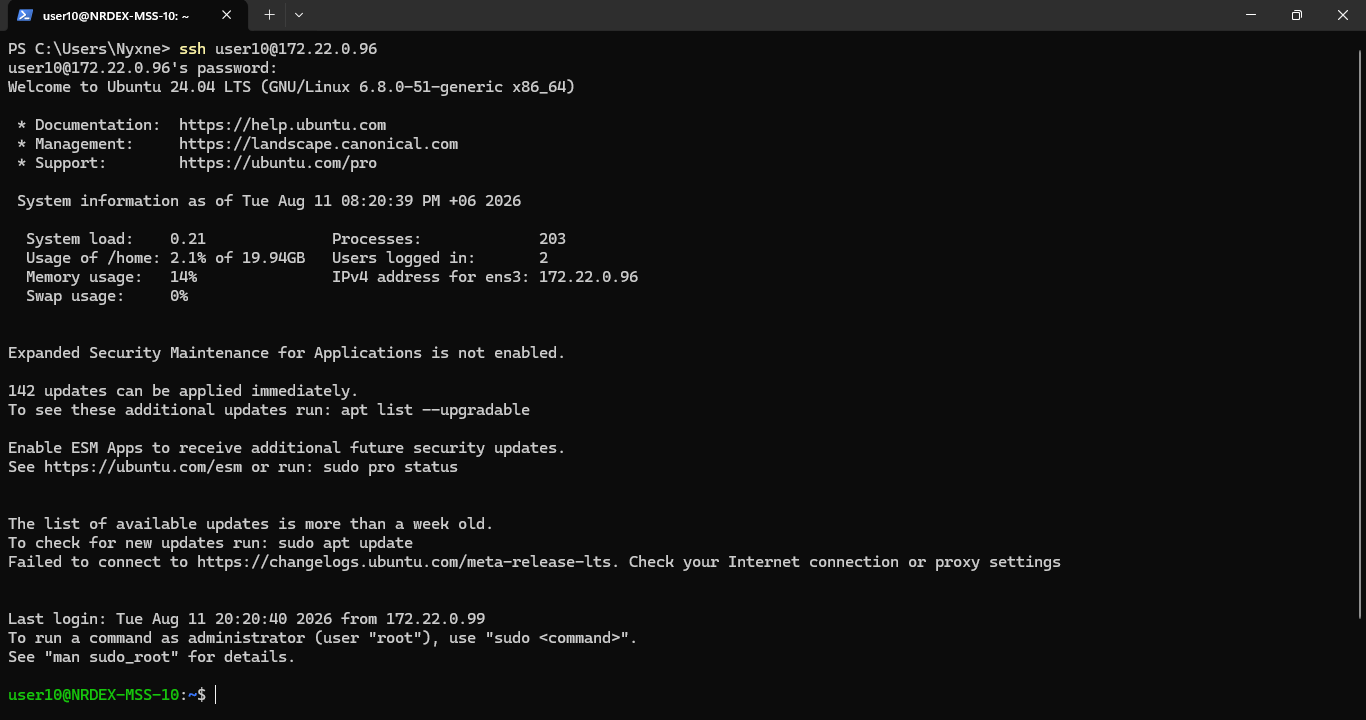
Connecting to OpenConnect VPN
-
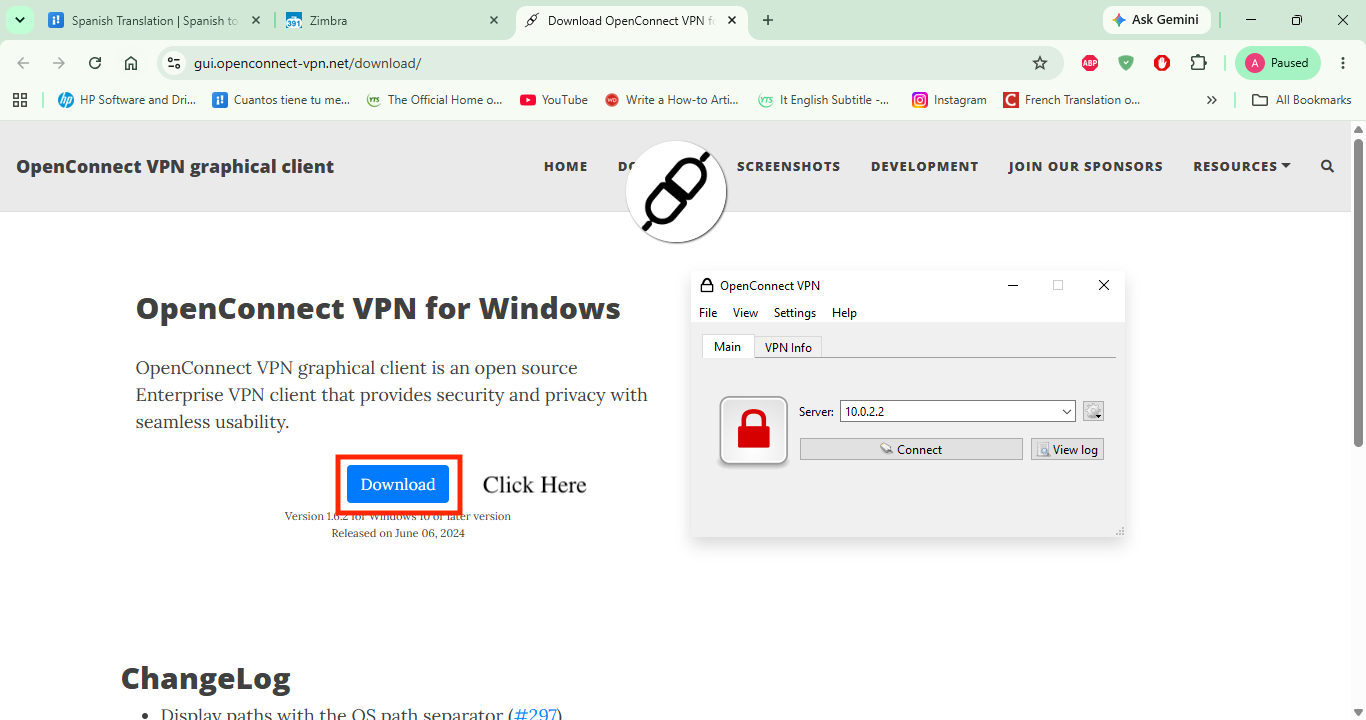
First Go to https://gui.openconnect-vpn.net/download/ and download the openconnect client executable.
-
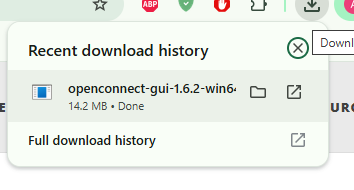
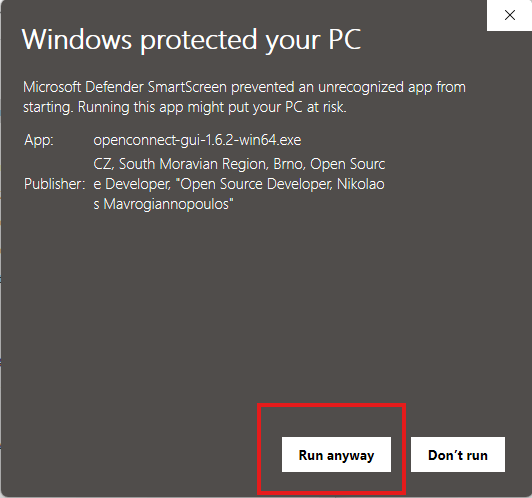
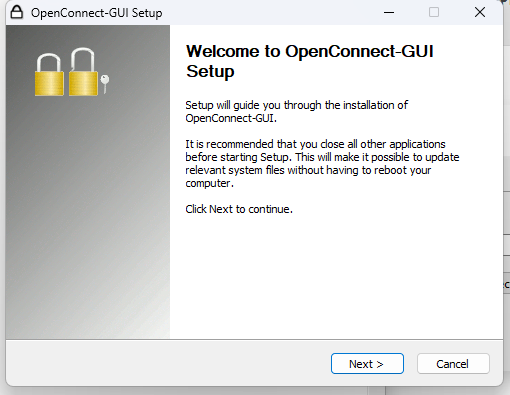
- Run the executable. Click run anyway if smartscreen causes inconvenience.
- Click next.
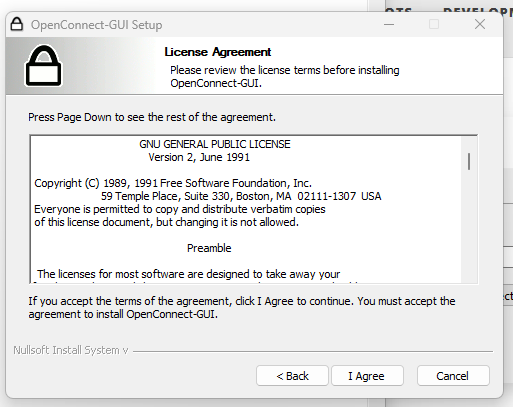
- Click I agree
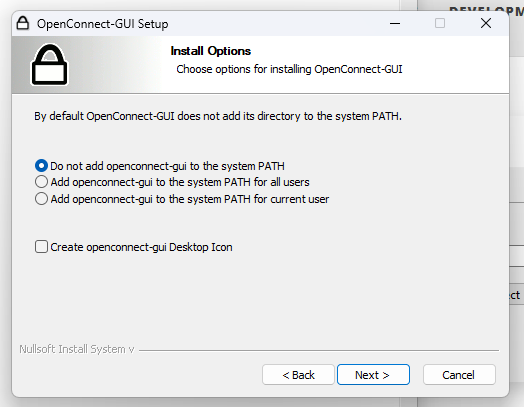
- Click Next
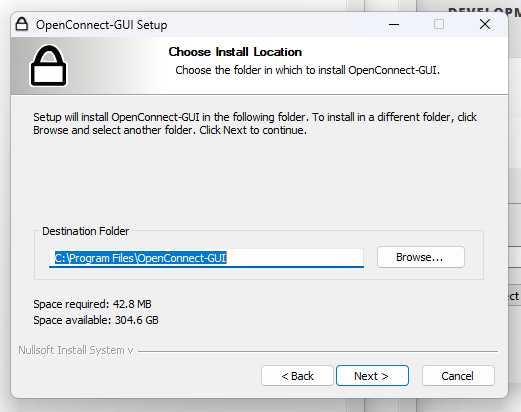
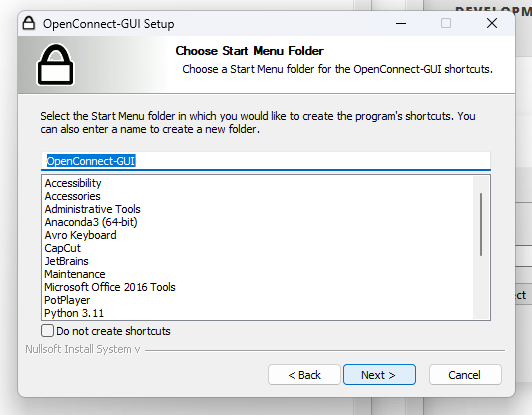
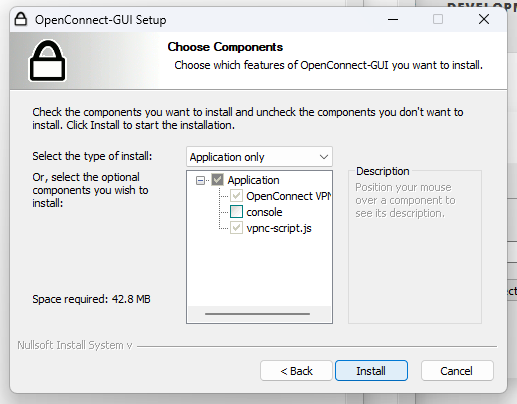
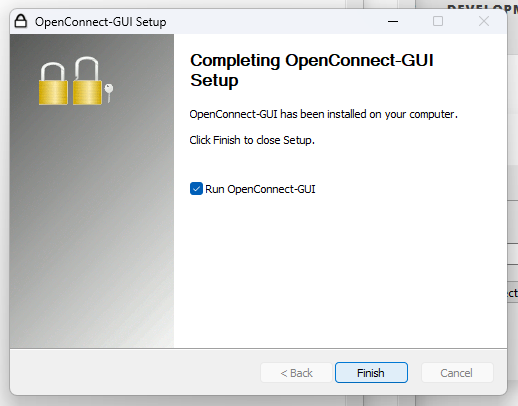
- Run the program
- Click the icon next to the url. Create new profile.
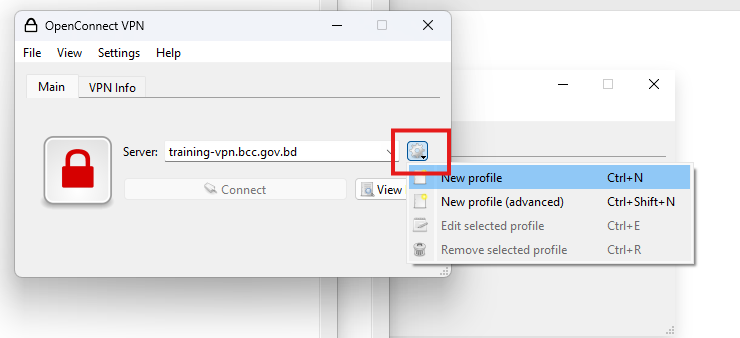
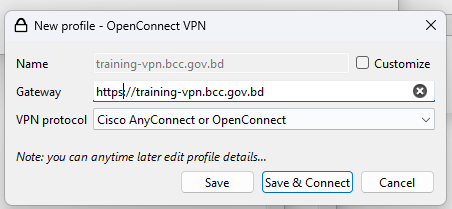
- In new profile page, add gateway:
https://training-vpn.bcc.gov.bd
- Click Save and Connect
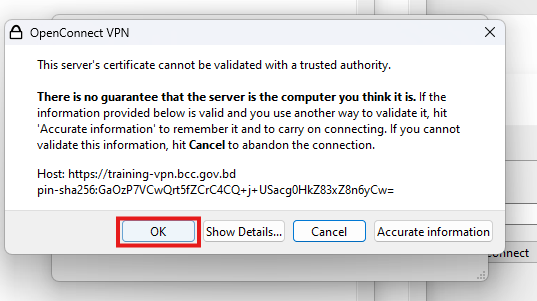
- Click OK
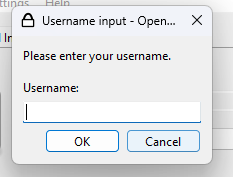
- Enter your supplied username
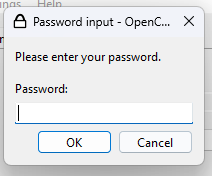
- Enter the password
- VPN will connect if credentials are correct
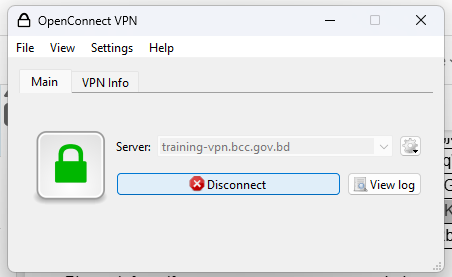
- You will be able to connect to the security server VM