- First, go to https://staging.bcc-ca.gov.bd.

- Click Registration
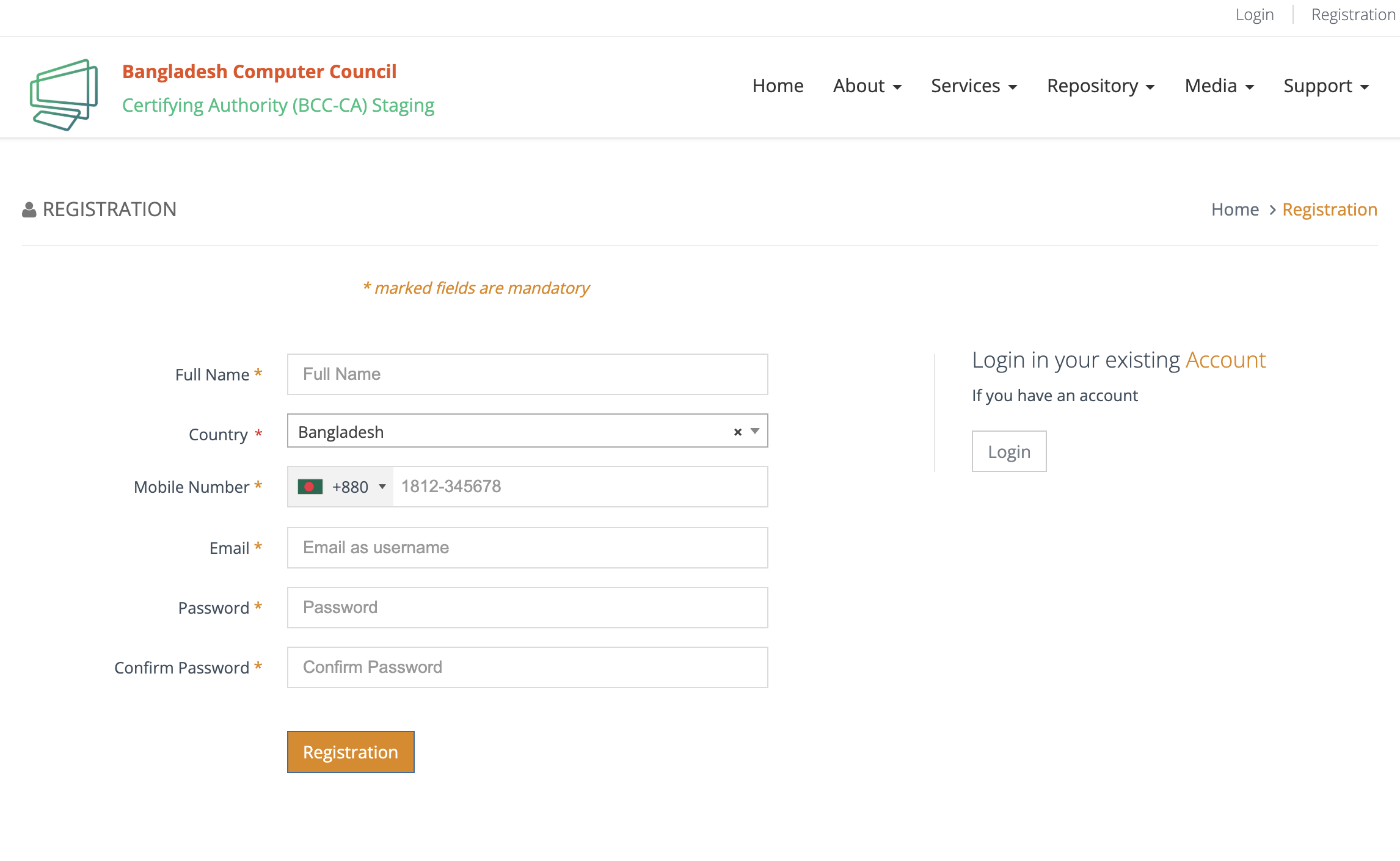
- Fill up the necessary informations and submit.
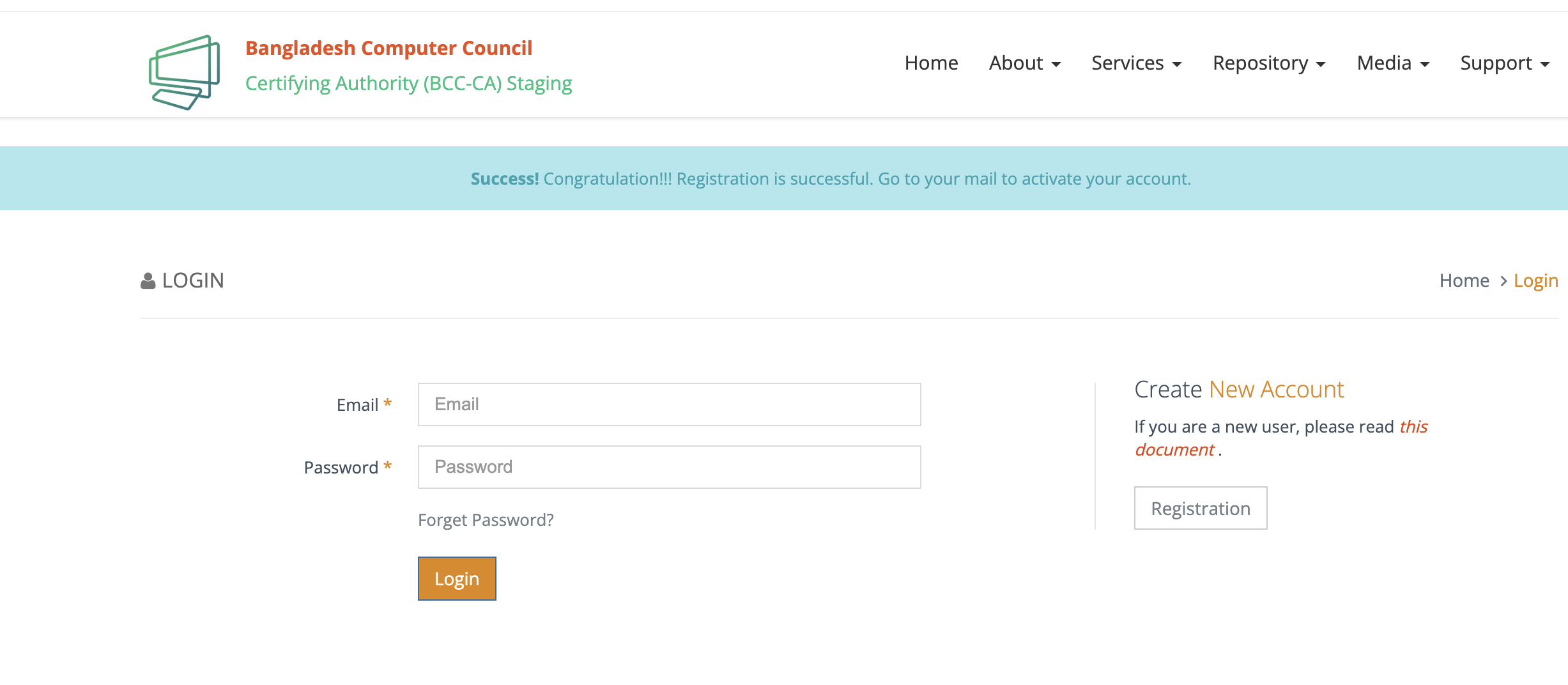
- Check your email for the activation mail. Please check the spam/junk as well
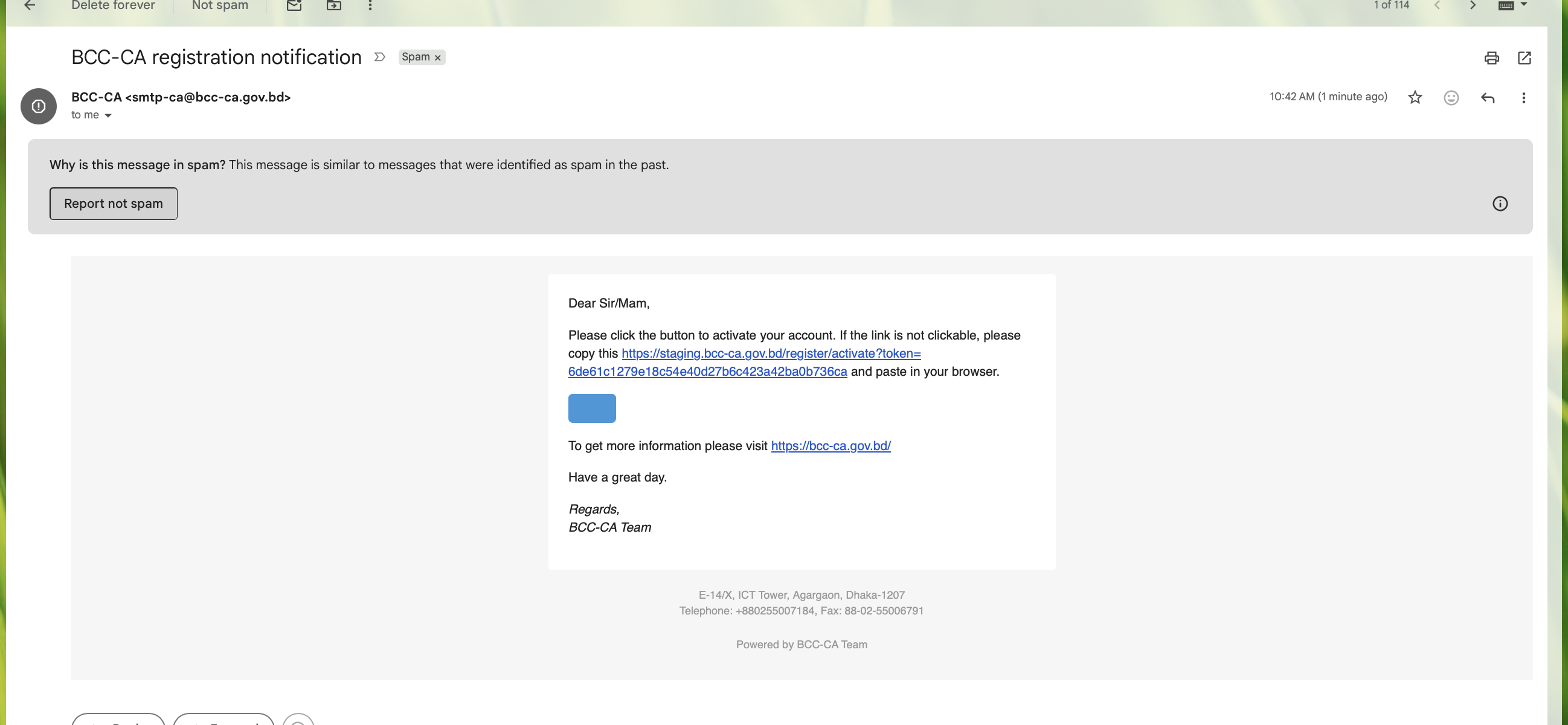
- Click the activate button. Then Log into your account.
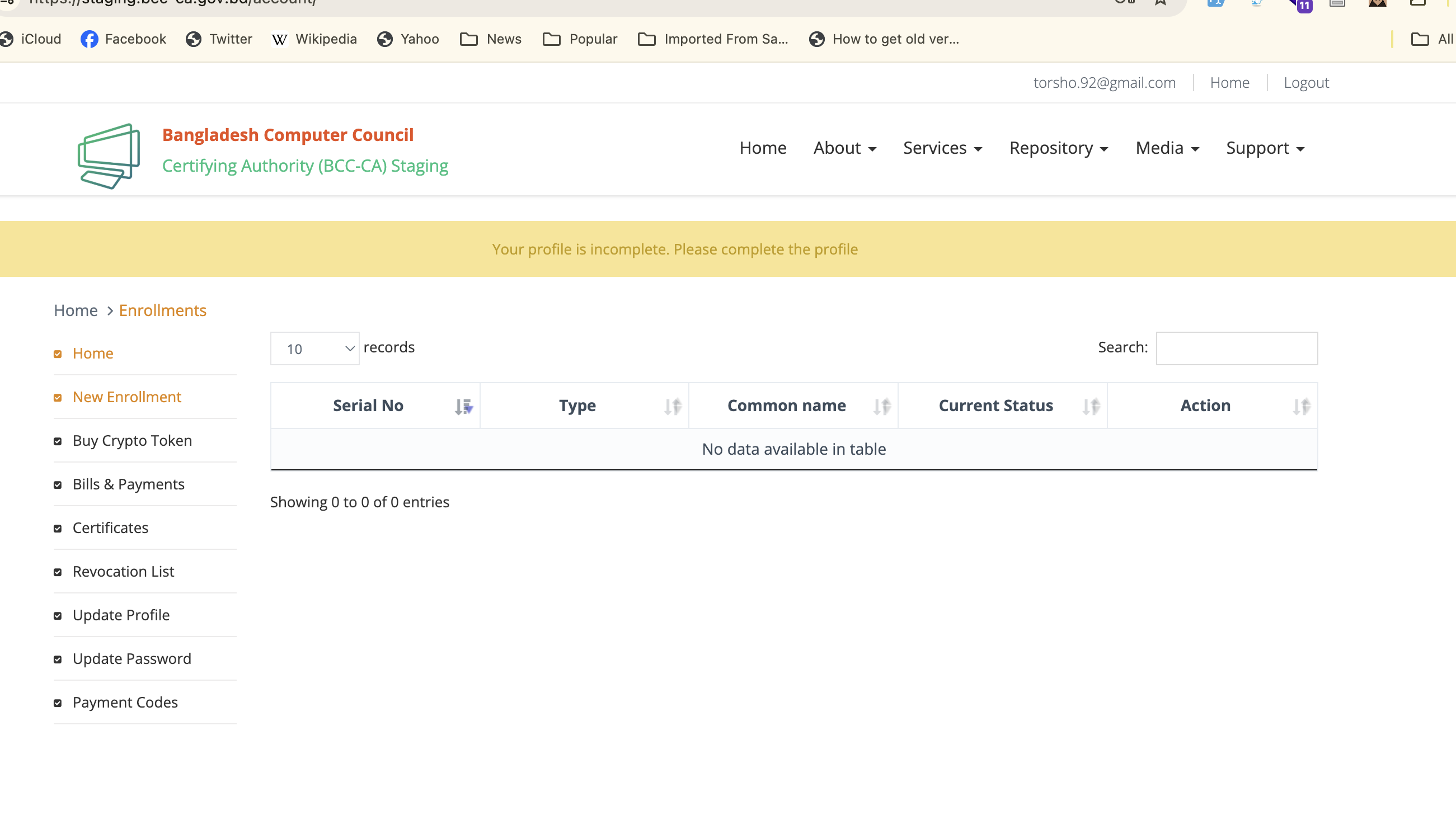
- Click Update profile
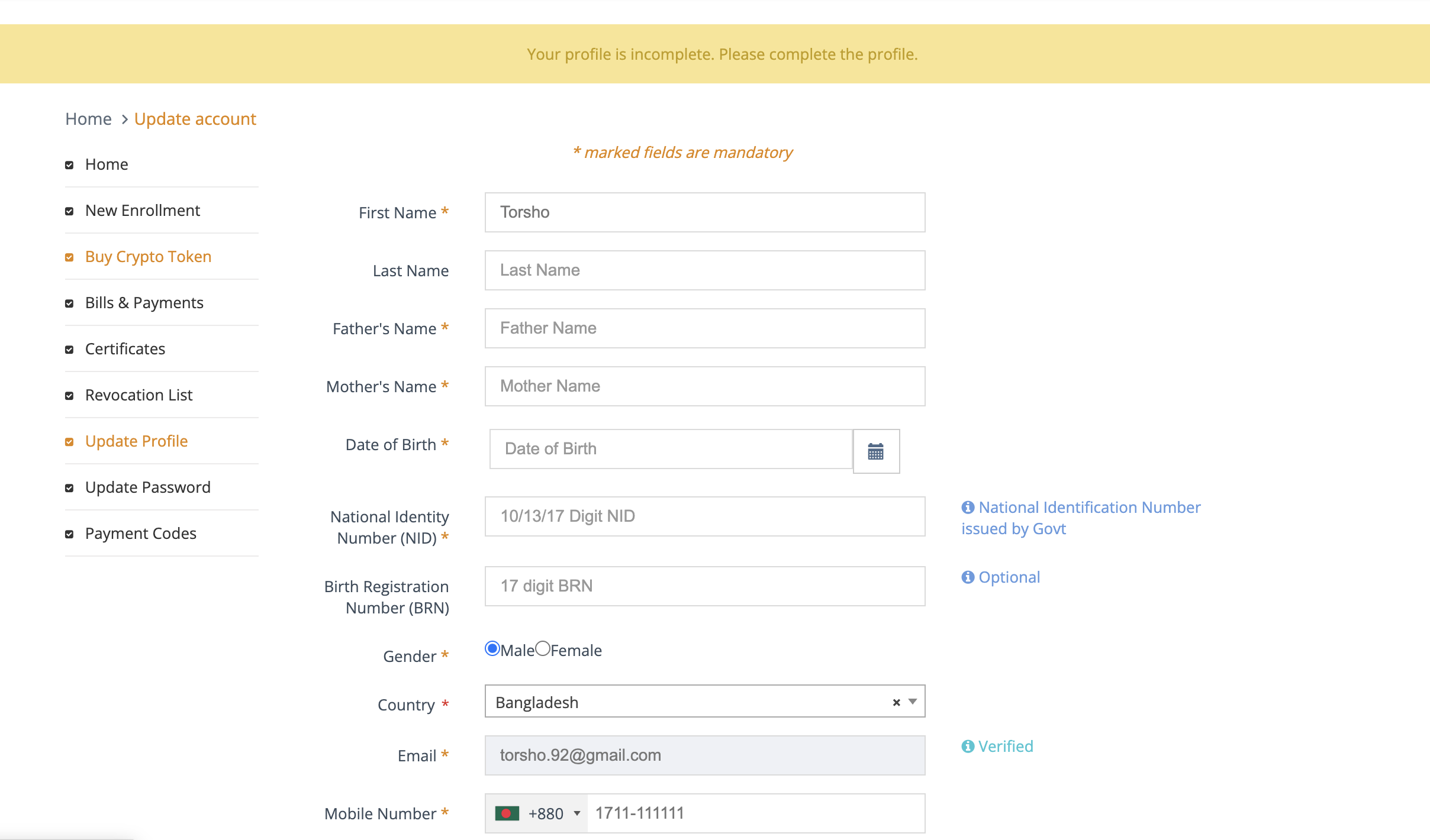
- Update your profile and submit
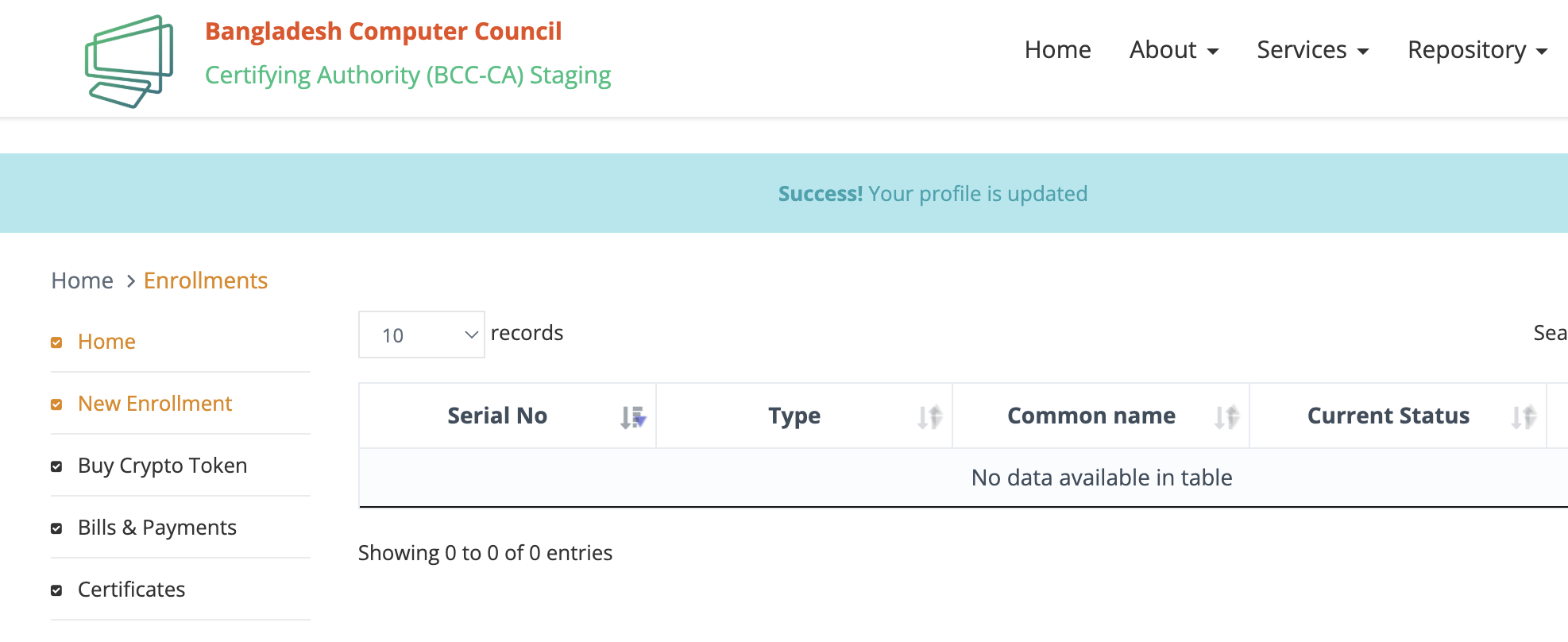
- Click New Enrollment
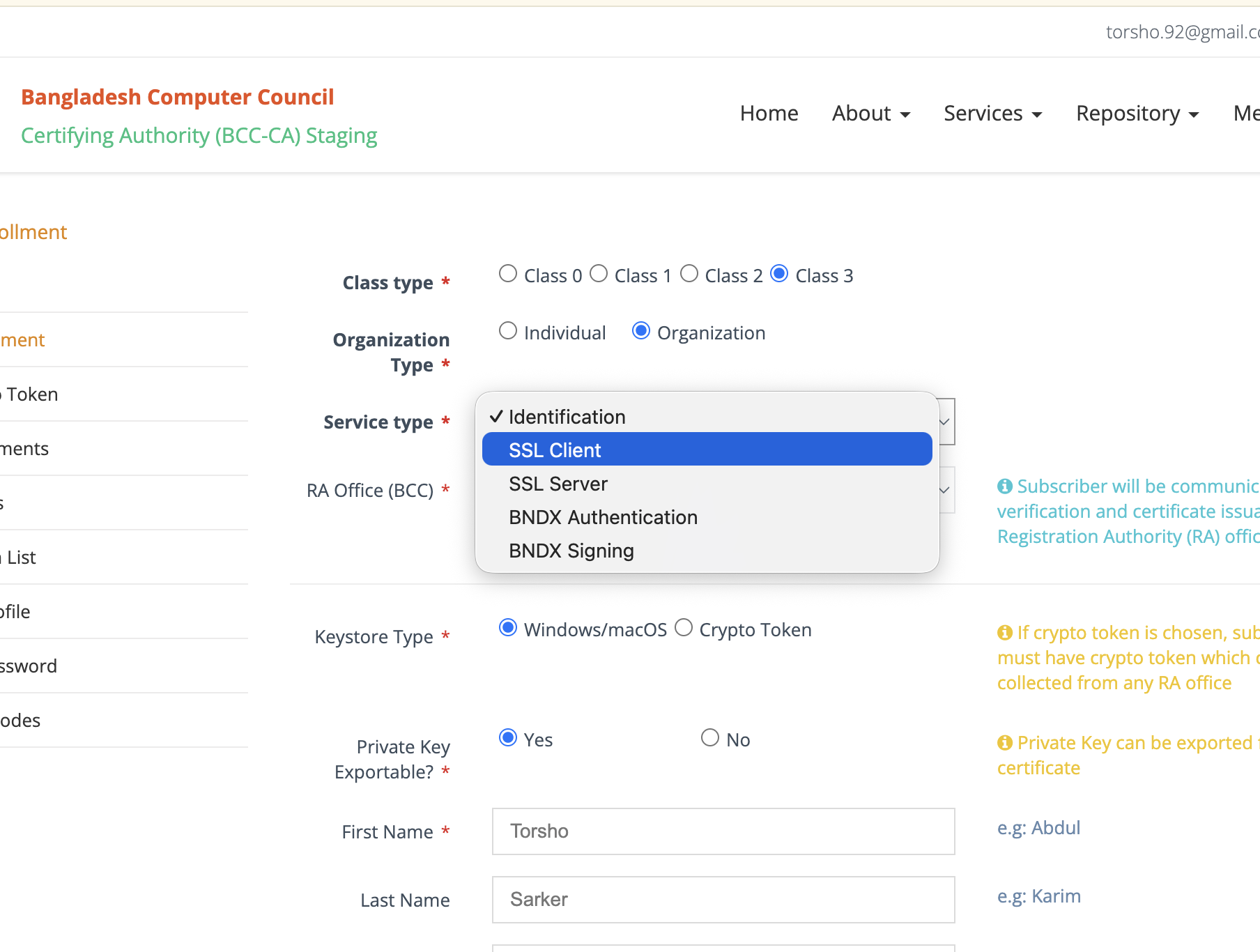
- Select Class 3 (Class Type) and Organization (Organization Type).
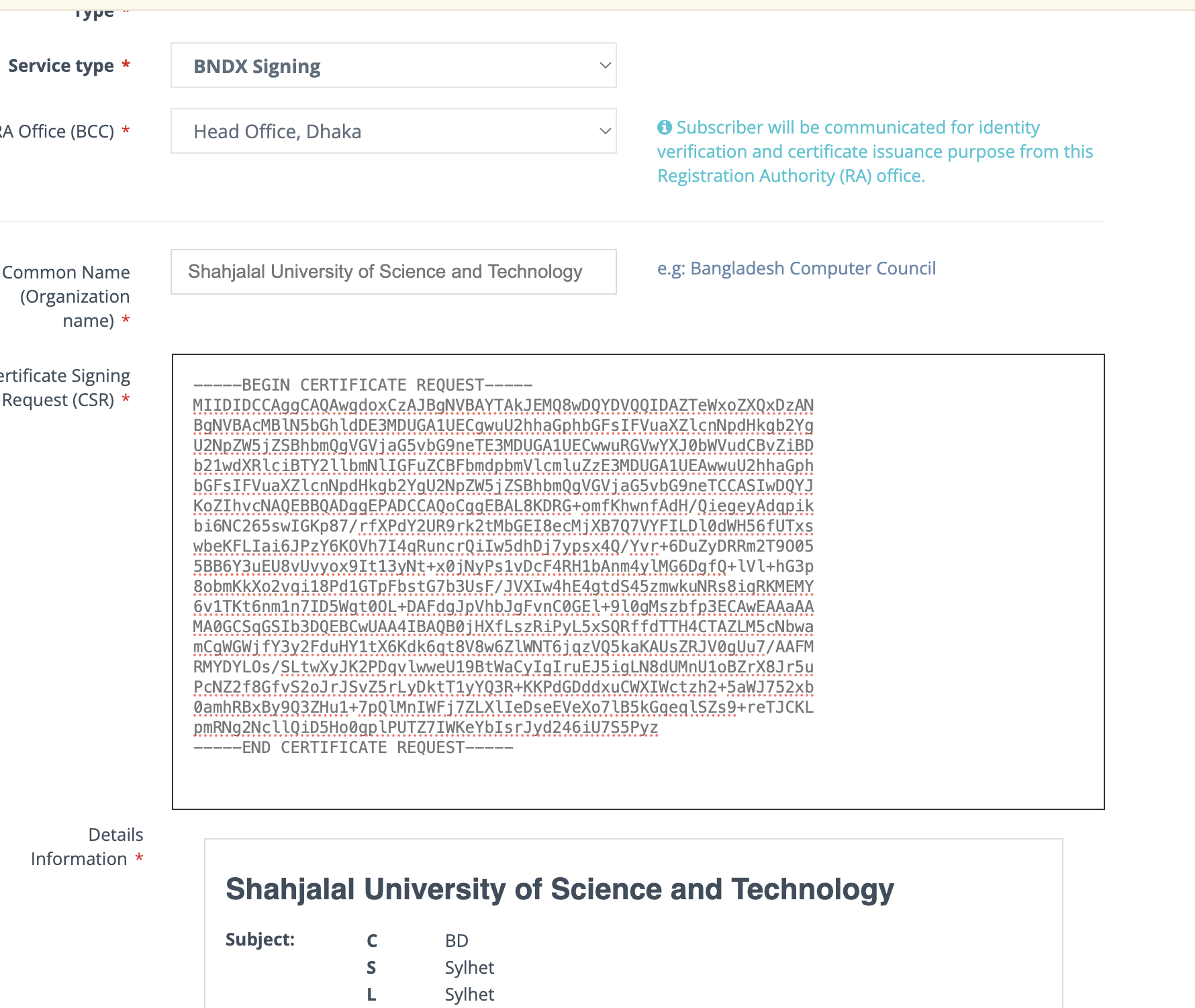
- For Authentication Certificate, select "BNDX Authentication" and Signing Certificate select "BNDX Signing"
- Select "Head office, Dhaka" as the RA Office.
- Input the Common Name (Organization Name), it should match the CSR Generated by the X-Road Signer console.
- Input the generated CSR here.
-
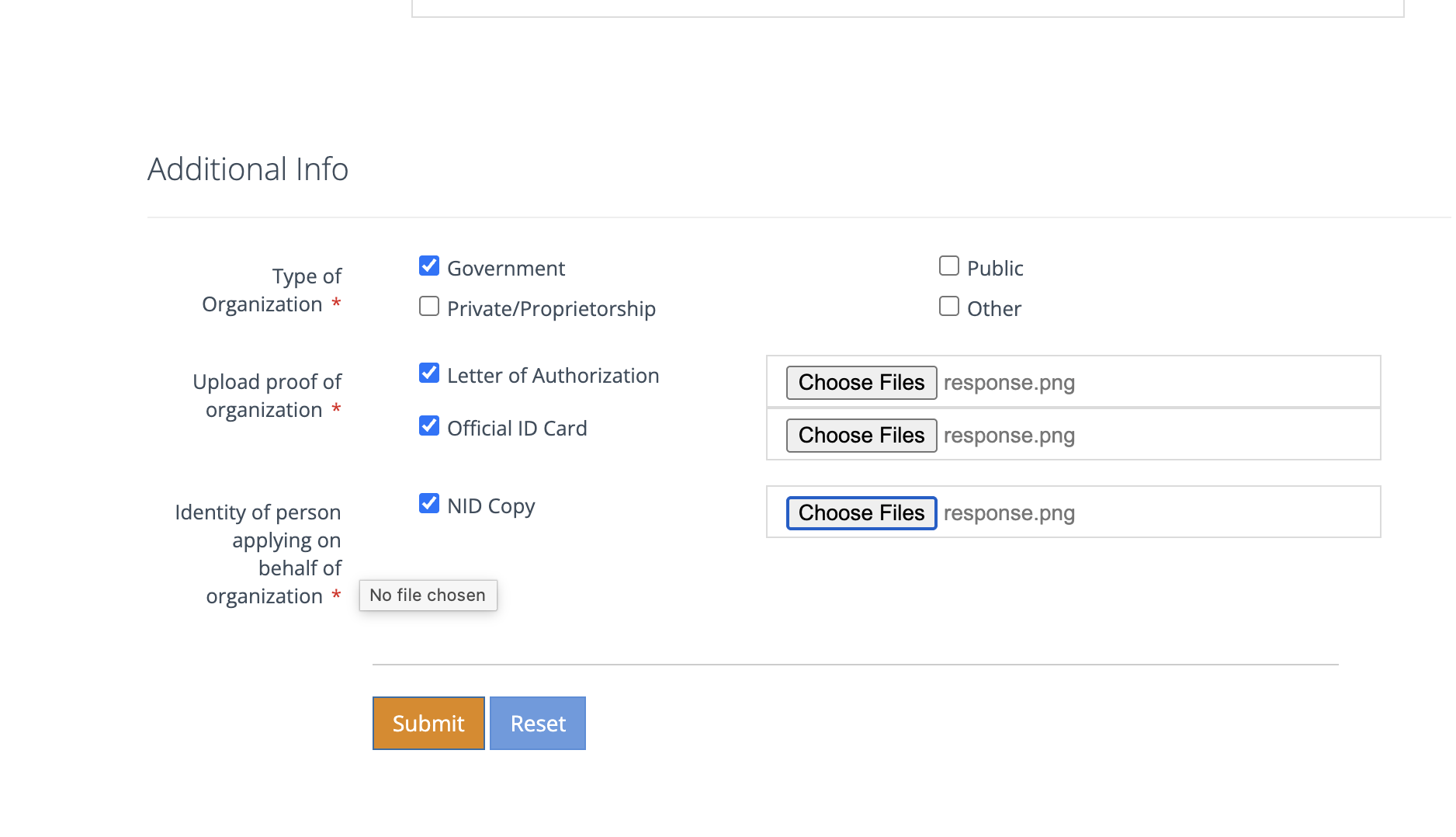
Upload the necessary documents and submit.
-
You will need to pay the required amount in production server. But in staging server, we will use Sandbox/Payment Code.
-
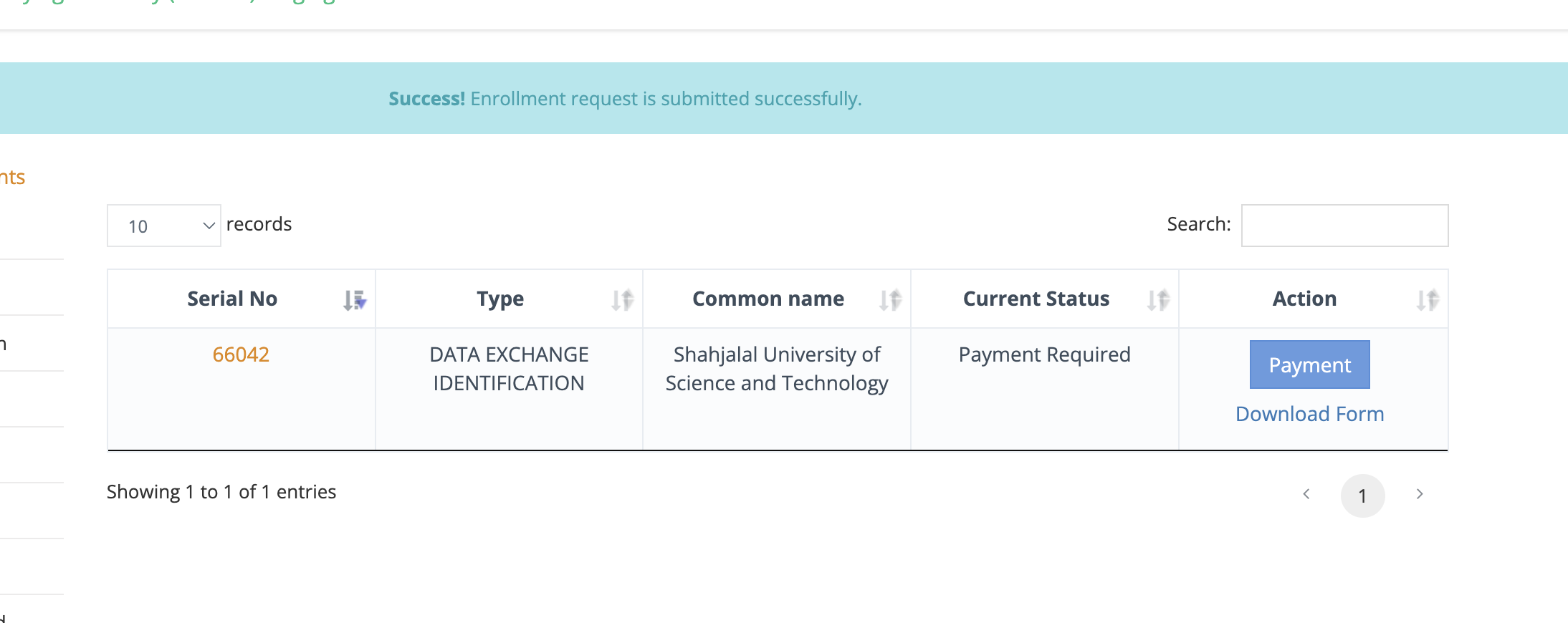
Click Payment in the enrollment list.
-
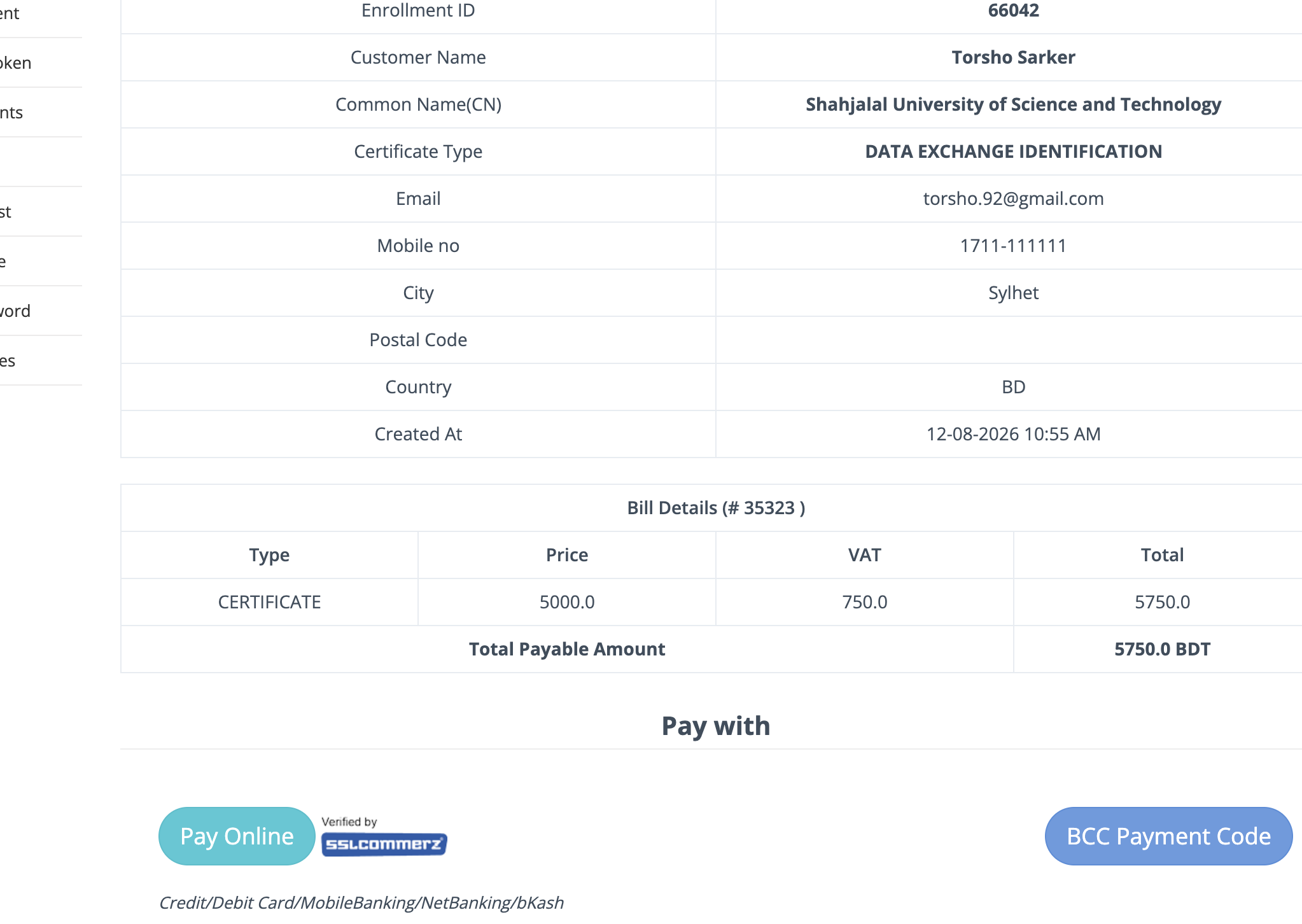
Click Pay Online
-
Use SSLCommerze Sandbox payment available in the staging server. Select Bkash Payment in mobile payment.
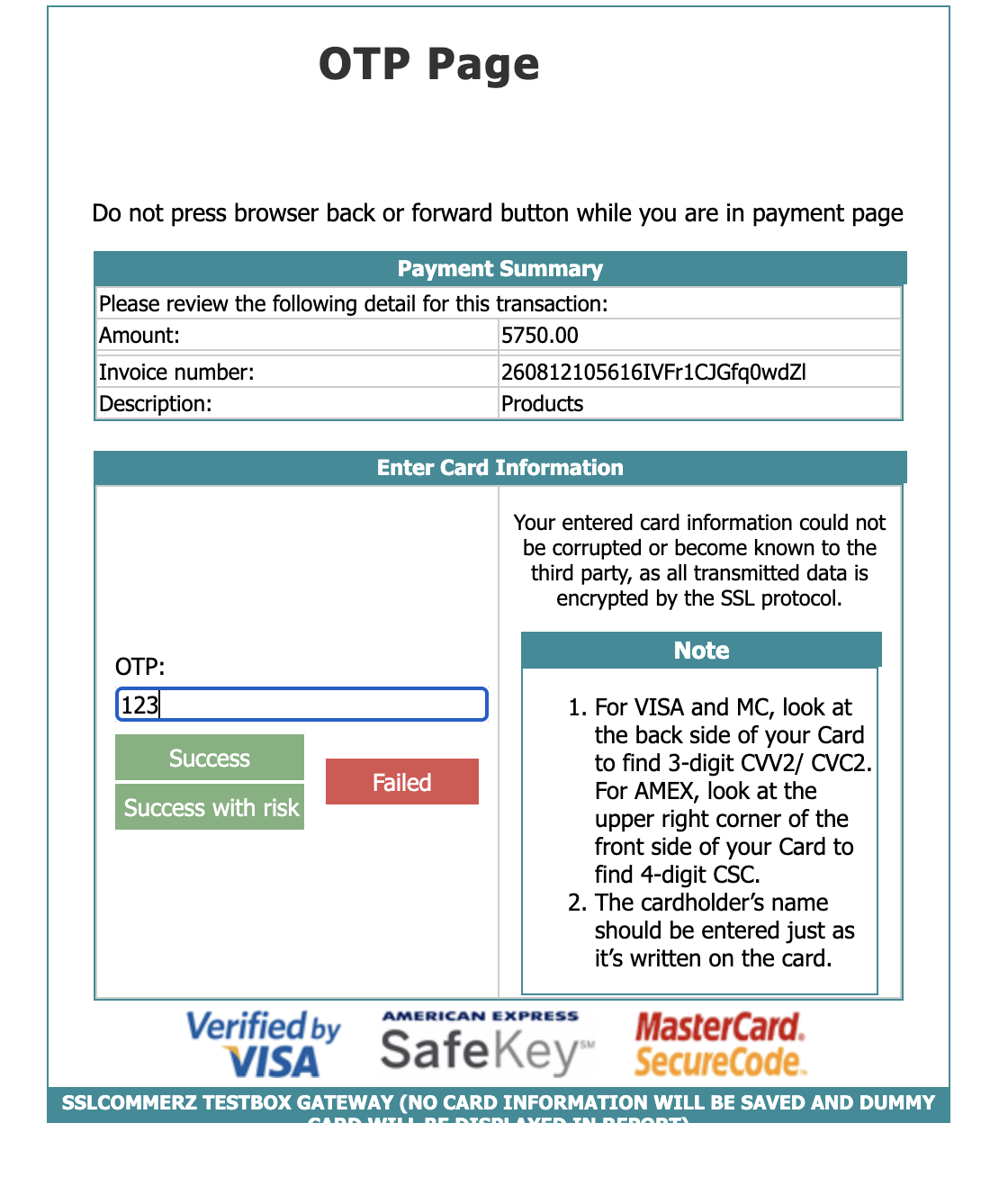
- Click success
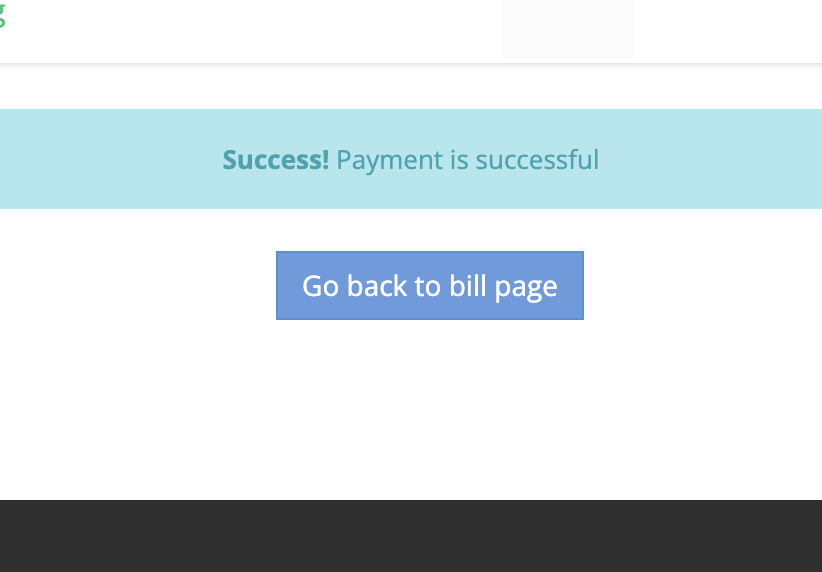
- It will be verified and a certificate will be issued after verification.
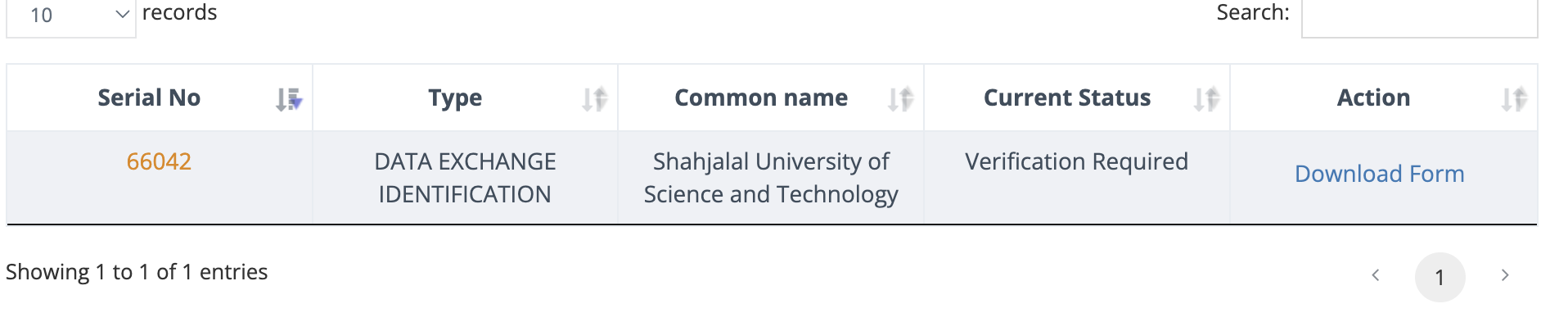
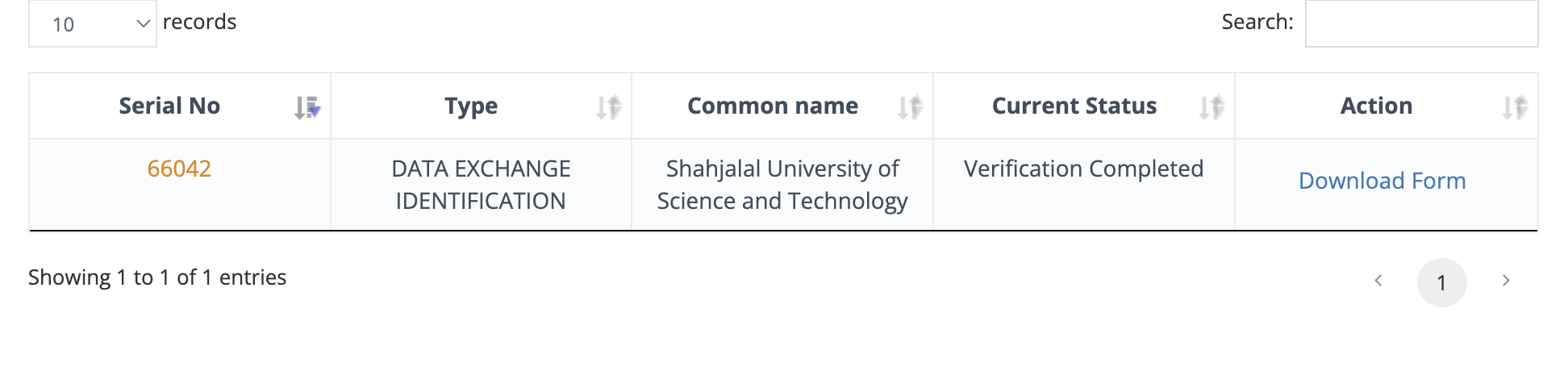
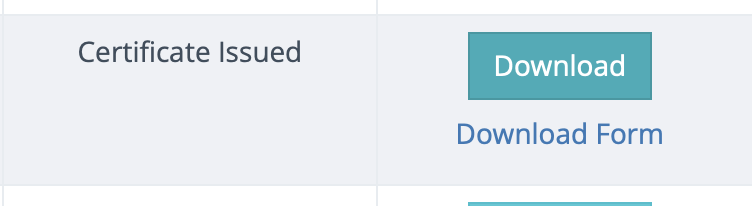
- After certificate is issued, click download certificate to download the p7b file